
Download Hotmail Watcher – free Windows email monitoring tool
Overview
Hotmail Watcher is a lightweight, free utility designed exclusively for Windows 7 and later versions. Positioned in the “Add‑ons & Tools” category, the program monitors a Hotmail (now Outlook.com) inbox and alerts users to new messages without the need to open a web browser. Launched on Softonic on 19 June 2012, the current build (v1.49) remains a single‑language (English) application, making it ideal for users who want a no‑frills, always‑on‑top notification pane.
While the software has not yet been reviewed by Softonic’s editorial team, the community-driven feedback highlights its simplicity, low system footprint, and straightforward configuration. Because Hotmail (Outlook.com) continues to be a popular email service for both personal and professional communication, a dedicated watcher can save time by delivering real‑time alerts directly to the desktop. The tool operates as a background service, checking the mailbox at user‑defined intervals and popping up a discreet notification whenever a new email arrives.
This approach eliminates the constant need to refresh a web page or keep a heavy email client open, which can be particularly valuable on older hardware or for users who prefer a minimalistic workflow. Hotmail Watcher’s design focuses on security as well; all credentials are stored locally in an encrypted format, and the program does not transmit data to third parties. In short, Hotmail Watcher offers a free, secure, and easy‑to‑use solution for anyone who wants instant visibility into their Hotmail inbox while keeping their Windows desktop uncluttered.
Key Features of Hotmail Watcher
- Real‑time inbox monitoring: Checks the Hotmail account at intervals you set (as low as one minute) and delivers desktop notifications instantly.
- Lightweight background service: Consumes less than 10 MB of RAM and negligible CPU, making it safe for older PCs.
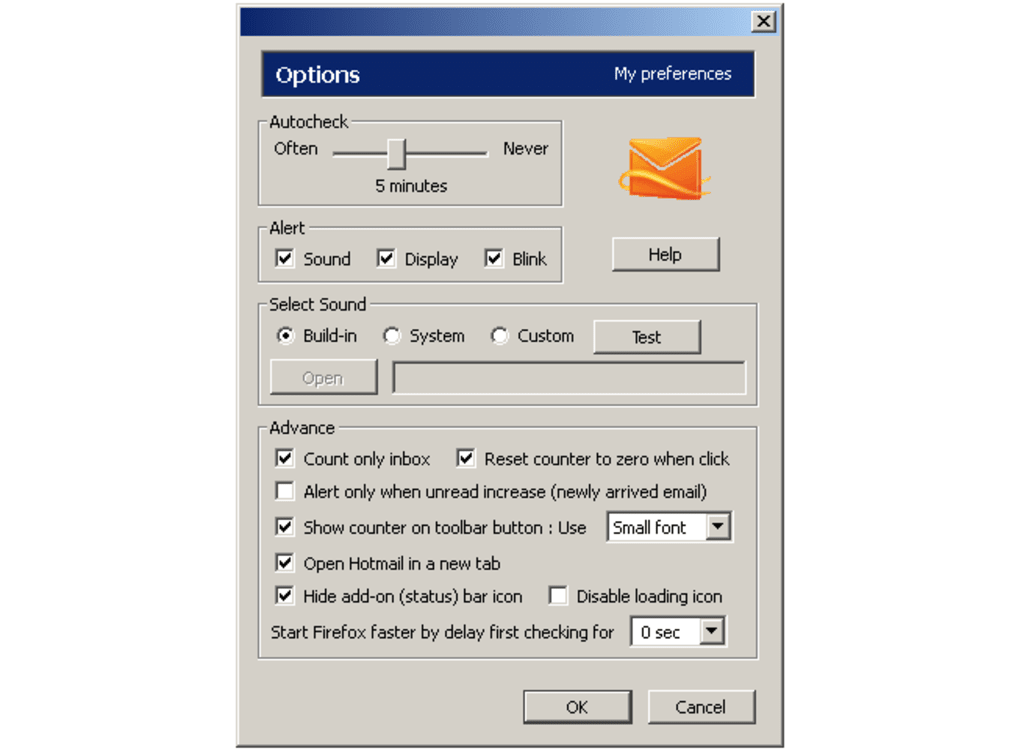
- Customizable alerts: Choose between sound, popup, or both; adjust notification position and opacity.
- Secure credential storage: Passwords are encrypted locally; no data is sent to external servers.
- Simple UI: One‑window configuration panel with English‑only language support, perfect for quick setup.
- Auto‑start with Windows: Option to launch the watcher automatically when the system boots, ensuring you never miss an email.
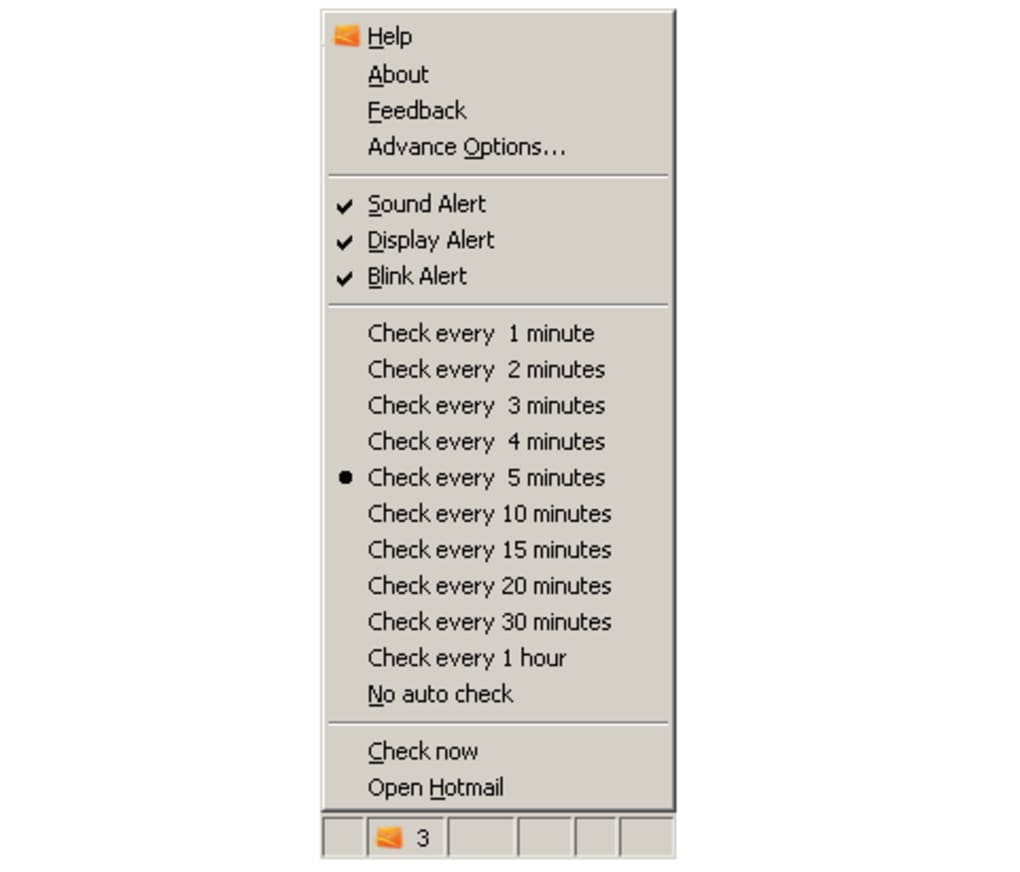
- Configurable check frequency: Balance between immediacy and system resource usage by setting the polling interval.
- Minimalist design: No ads, no bloatware, and no unnecessary features that distract from the core purpose.
Each of these features has been crafted to address a specific pain point for Hotmail users on Windows. Real‑time monitoring eliminates the lag you typically experience with web‑based email checks, while the lightweight nature ensures the tool does not become a performance bottleneck. The customizable alerts let you tailor the experience to your workflow—whether you need a subtle toast notification or an audible cue in a noisy office. Security is a top priority; the encrypted storage mechanism means your credentials stay on your machine, reducing exposure to potential leaks. Finally, the auto‑start capability guarantees that the watcher is always ready, even after a system reboot, delivering a seamless, “set‑and‑forget” experience.
Installation, Usage & Compatibility
Installing Hotmail Watcher is straightforward and mirrors the typical Windows software installation process. Begin by downloading the installer from the official Softonic page or a trusted mirror. Once the .exe file is saved, double‑click to launch the wizard.
The installer guides you through a brief license agreement, then offers the option to create a desktop shortcut for quick access. After confirming the installation path (default is C:\Program Files\HotmailWatcher), click Install. The process completes in under a minute, and you are prompted to either launch the program immediately or close the wizard.
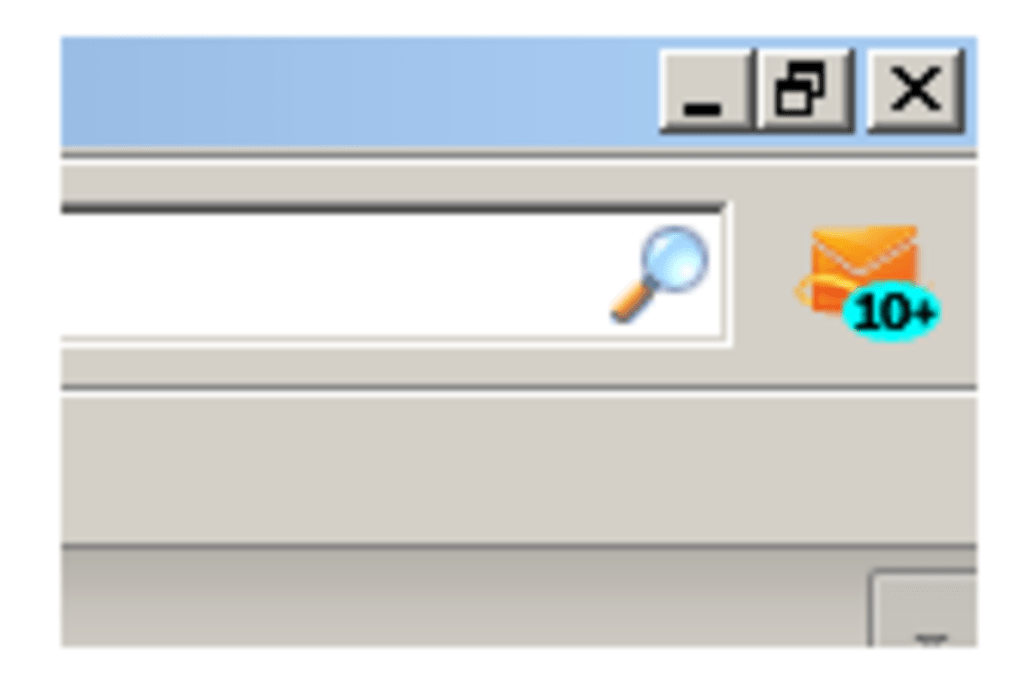
Upon first launch, the configuration window appears, asking for your Hotmail (Outlook.com) address and password. The interface provides a clear Test Connection button that verifies the credentials before saving them. Once validated, you can set the polling interval (1‑30 minutes) and choose your preferred notification style. For users who want the watcher to start automatically, tick the Run at Windows startup checkbox. After saving the settings, Hotmail Watcher minimizes to the system tray, where a tiny icon indicates its active status.
Hotmail Watcher is compatible with Windows 7, Windows 8, Windows 8.1, Windows 10, and Windows 11 (64‑bit and 32‑bit editions). The software leverages native Windows APIs for notifications, ensuring seamless integration across all supported versions. While the program is designed for desktop environments, it does not have a mobile counterpart; however, its low resource consumption makes it safe to run on laptops and tablets running Windows.
Using the tool is as simple as watching the system tray icon. When a new email arrives, a pop‑up appears with the sender’s name, subject line, and a brief preview. Clicking the notification opens the email in your default web browser, directing you to Outlook.com. If you prefer not to open a browser, you can dismiss the alert and rely on the watcher’s log, accessible via a right‑click menu on the tray icon. The log records timestamps, senders, and subjects of all detected messages, providing a quick reference without opening the inbox.
Pros, Cons, FAQ & Final Verdict
Pros
- Free to download and use with no hidden fees.
- Very low system impact – ideal for older Windows PCs.
- Real‑time notifications keep you instantly informed.
- Secure local storage of credentials; no third‑party data sharing.
- Simple, English‑only interface reduces learning curve.
- Auto‑start option ensures continuous monitoring.
Cons
- Limited to Hotmail/Outlook.com accounts – no support for other providers.
- Only English language support; non‑English users may find it inaccessible.
- No mobile or web version; functionality is Windows‑only.
- Version 1.49 has not received a major update since 2012, raising concerns about long‑term support.
- Lacks advanced filtering (e.g., only notify for specific senders).
Frequently Asked Questions
Is Hotmail Watcher safe to use with my credentials?
Yes. The program encrypts your password locally and never transmits it to external servers. It uses HTTPS to communicate with Outlook.com, ensuring a secure connection.
Can I monitor multiple Hotmail accounts simultaneously?
The current version supports only one account at a time. You would need to switch accounts manually by re‑entering credentials.
What happens if I change my Hotmail password?
Hotmail Watcher will lose its connection and display an error. Simply open the configuration window, update the password, and test the connection again.
Does the software run in the background after I close the main window?
Yes. After configuration, the program minimizes to the system tray and continues to monitor your inbox silently.
Is there any way to customize the notification sound?
The built‑in options are limited to the default Windows alert or mute. Advanced users can replace the sound file in the installation directory, but this is not officially supported.
Final Verdict & Call to Action
Hotmail Watcher fills a niche that many modern email clients have overlooked: a dedicated, low‑resource notifier for a single Hotmail account on Windows. Its free price tag, secure handling of credentials, and instant alerts make it a compelling addition for users who prefer to keep their email workflow lightweight. While the lack of multi‑account support and the absence of recent updates may deter power users, the core functionality remains solid and reliable. If you spend a lot of time on a Windows PC and need to stay on top of incoming Hotmail messages without opening a browser, Hotmail Watcher is worth a try. Download it today, configure your account in minutes, and enjoy the peace of mind that comes with real‑time email monitoring.
Overall Rating: 4 out of 5 stars
Hotmail Watcher delivers on its promise of simple, secure, and instant email notifications for Windows users. Its minimalistic design and low system impact are major strengths, though the lack of multi‑account support and infrequent updates are areas for improvement. For its target audience—single‑account Hotmail users on Windows—this tool is an excellent free solution.







